
Skip to content
PLAN2X

Project phases at a glance

Select a phase to explore its process, features and benefits.

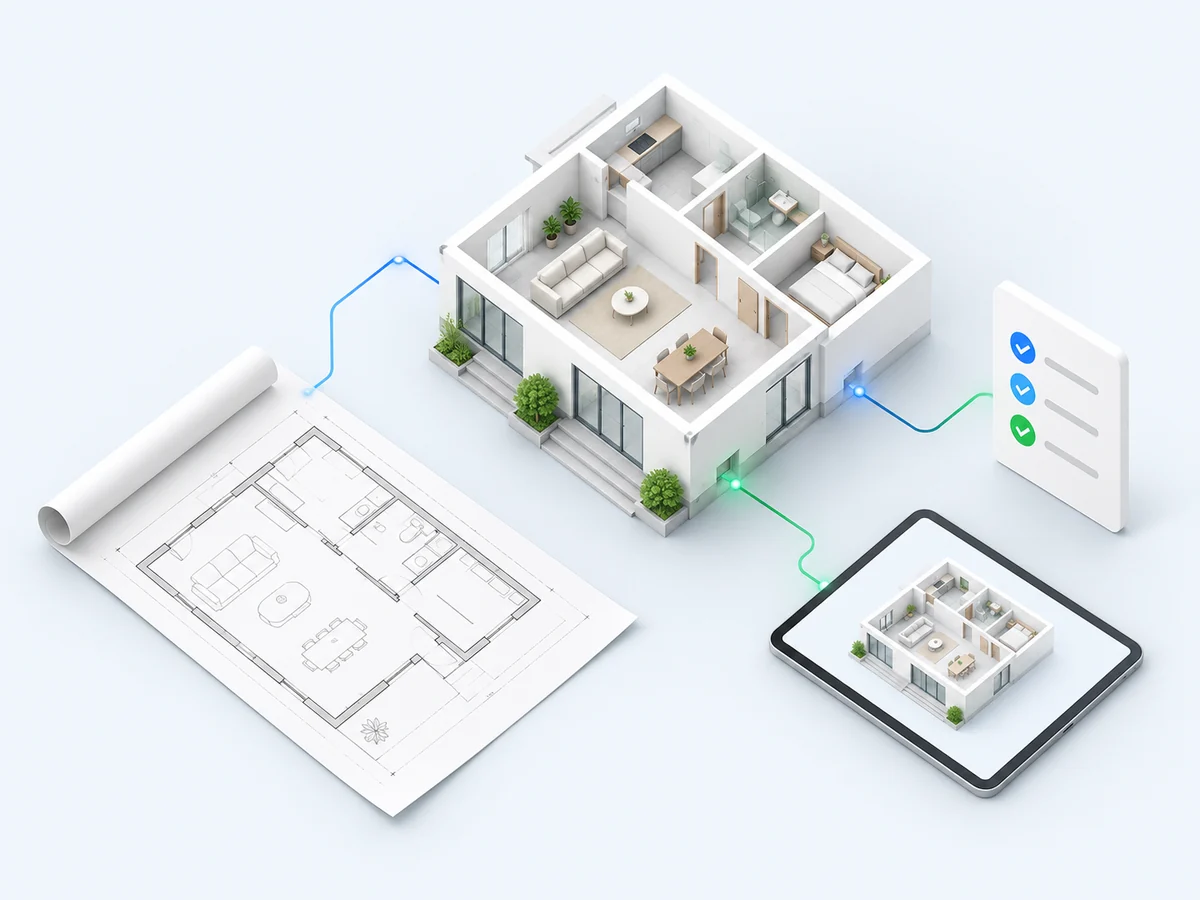
Floor plan, digital house model and requirements checklist forming a shared project foundation

01 / 08 · Project intake

Turn your requirements into a clear starting point.

Clients describe their daily routines and upload a floor plan. Rooms, desired functions and the scope of work are recorded and agreed together.

Key features

  • Capture floor plans and room layouts
  • Record requirements and use cases
  • Agree the project scope together

Your benefits

  • Document client requirements clearly from the outset
  • Create a sound basis for consultation and quotes
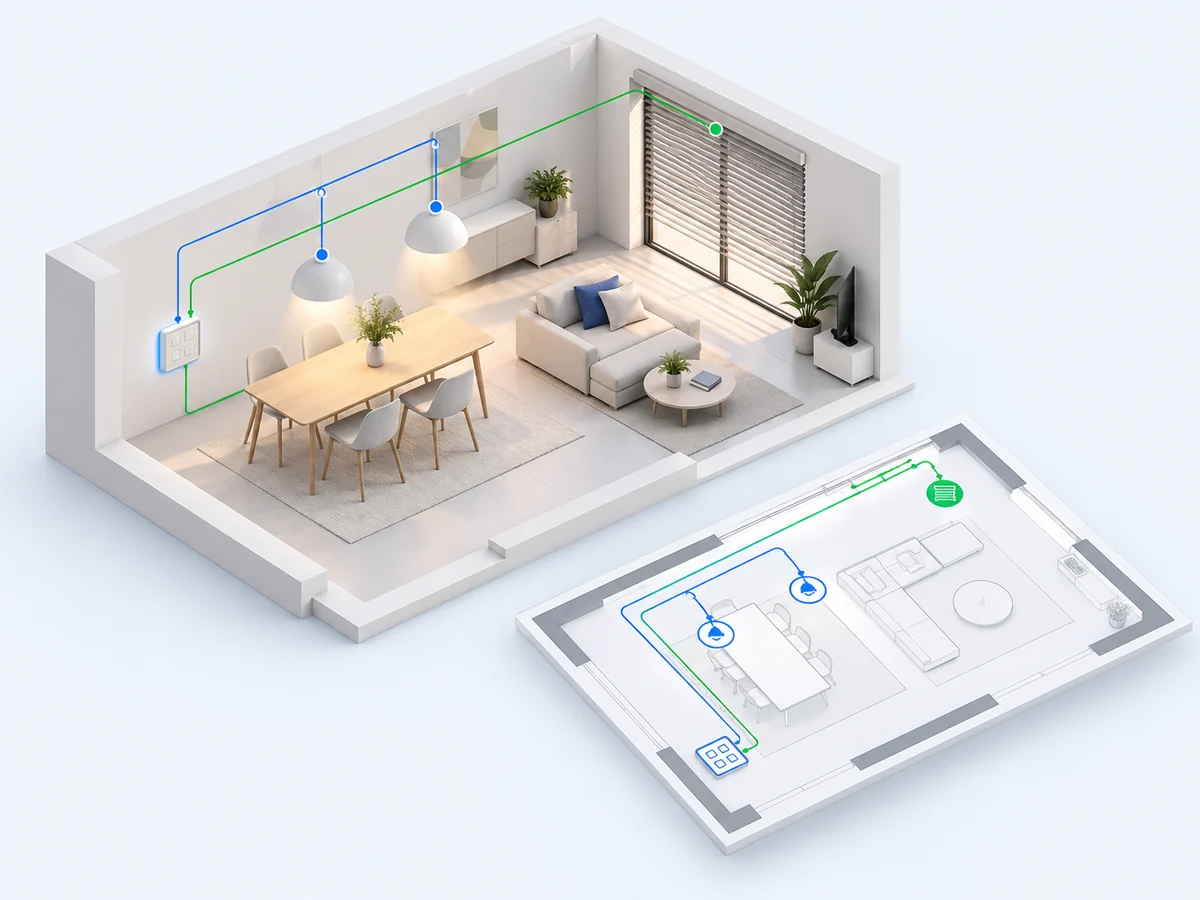
Living space with lighting, blinds and a keypad connected to its digital plan Explore the planning demo

Password-protected preview · Access on request

02 / 08 · Planning

Experience the controls before anything is installed.

Lighting, shading, climate and controls are planned room by room on the floor plan. Clients review button assignments, provide feedback and approve the agreed plan.

Key features

  • Functions and controls on the floor plan
  • Button assignments and group addresses
  • Client changes and documented approvals

Your benefits

  • Make decisions understandable before installation
  • Reduce misunderstandings and subsequent rework
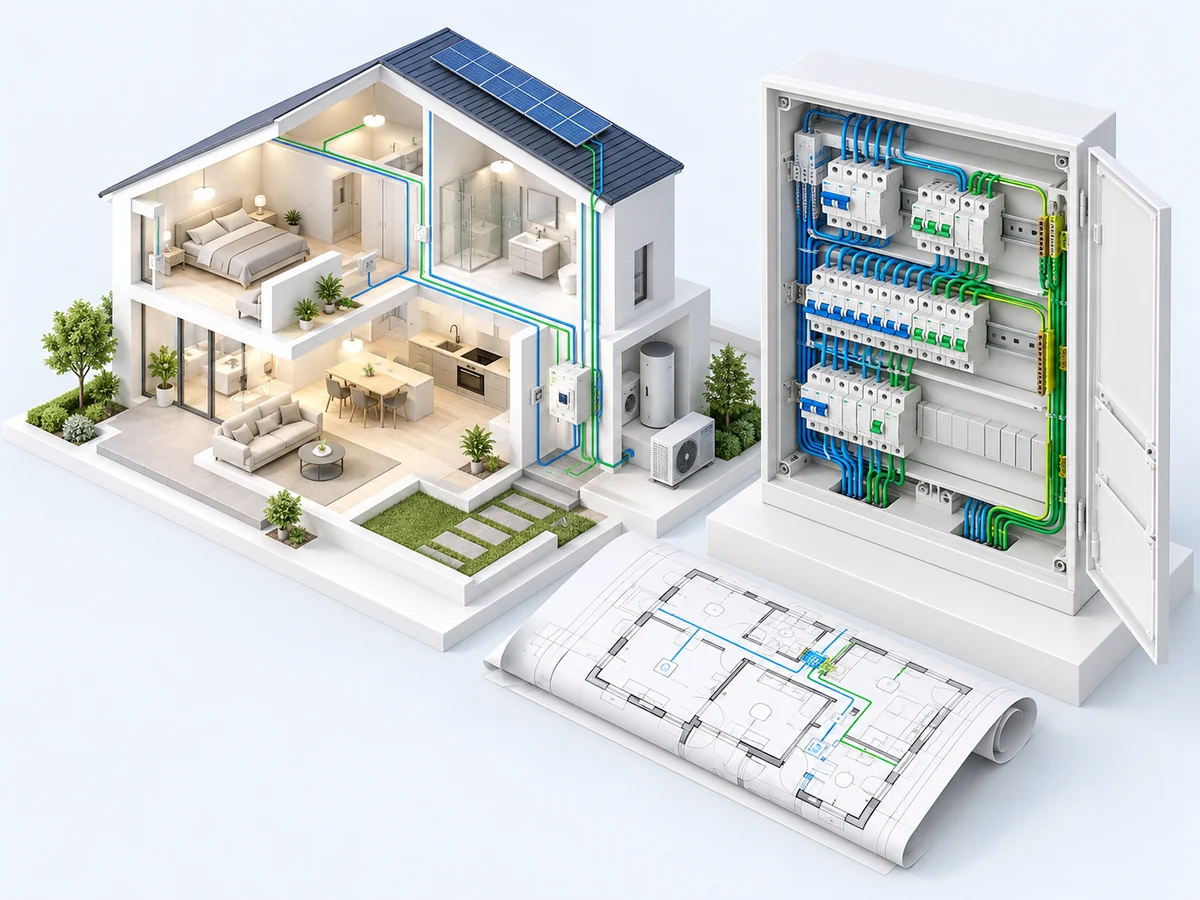
Organised distribution board with modular devices connected to a house floor plan

03 / 08 · Electrical design

From room concepts to an actionable electrical design.

Based on approved functions, the contractor plans devices, circuits, protective devices, cables and the distribution board. A qualified electrical professional reviews and approves the design.

Key features

  • Device and circuit allocation
  • Distribution board layout with spare capacity
  • Cable planning and professional review

Your benefits

  • Consistent documents for costing and installation
  • Less manual data transfer between planning steps
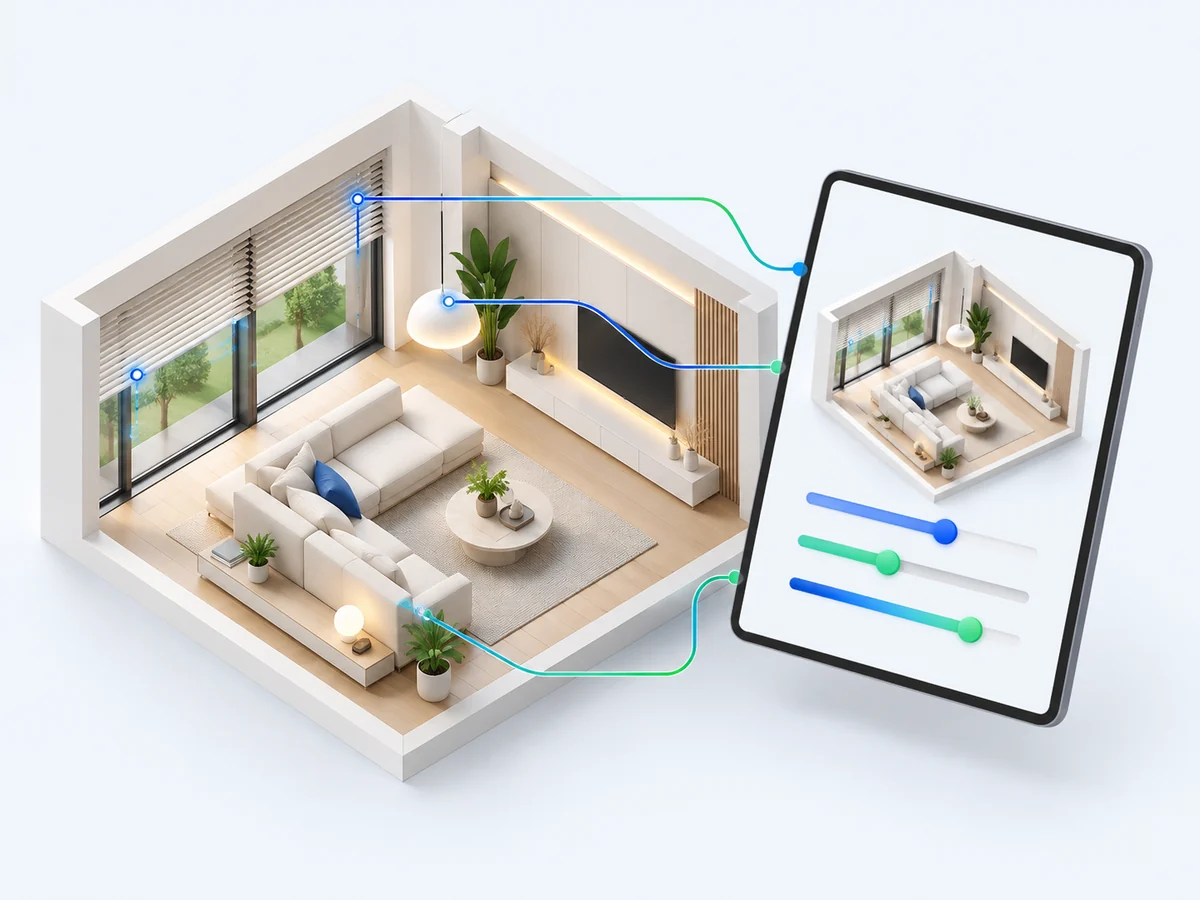
Digital control device with a living-room model, lighting and automated blinds

04 / 08 · Visualisation & IoT

Controls designed around everyday life.

The agreed functions are brought together in a suitable interface for residents and operators. Scenes, automation and smart-home server integration complete the concept.

Key features

  • Visualisation based on the shared plan
  • Scenes and automation logic
  • Smart-home and IoT integration

Your benefits

  • Consistent controls instead of isolated solutions
  • Functions tailored to users’ needs
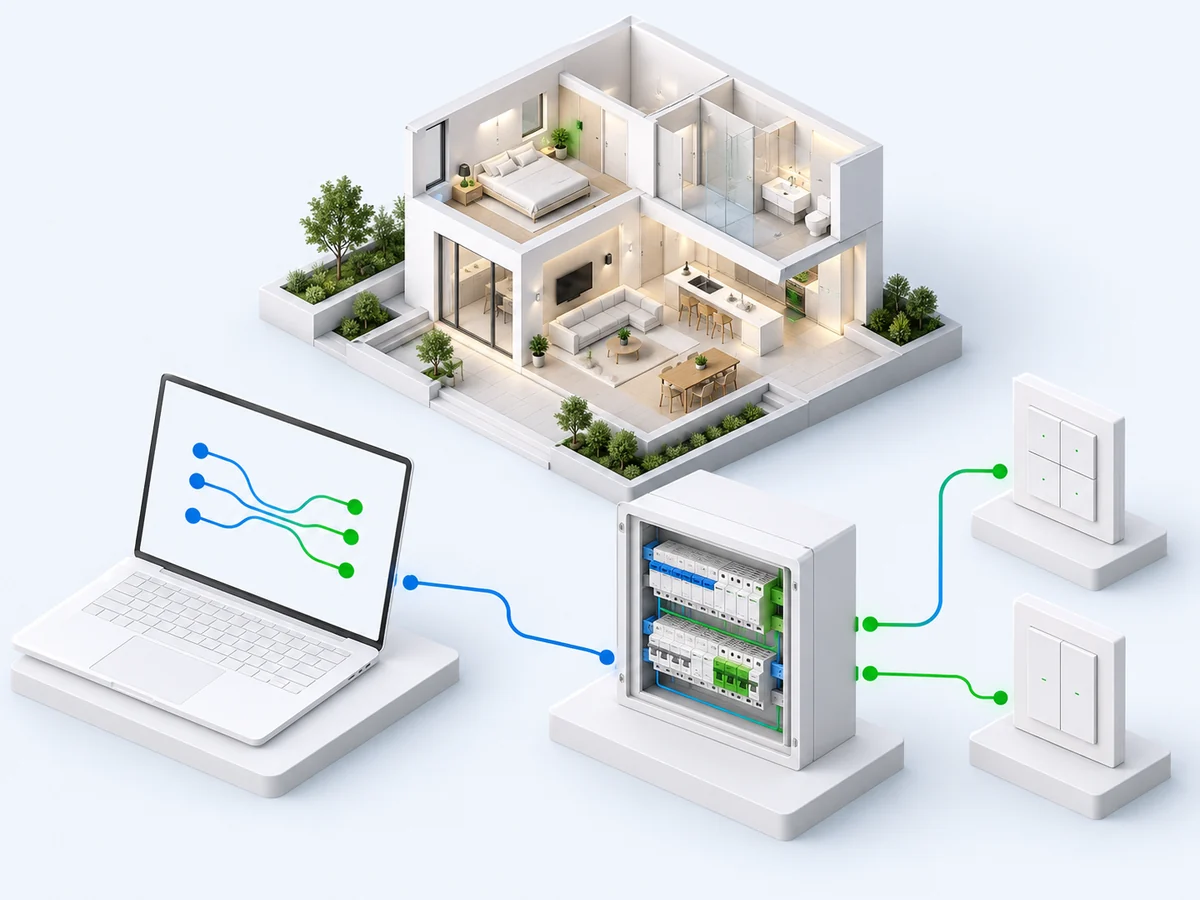
Laptop with data connections to a KNX distribution board and wall keypads

05 / 08 · Programming

Transfer approved plans precisely into ETS.

The ETS SDK application imports approved project data and supports device programming in ETS. The professional remains in control of verification and commissioning.

Key features

  • Transfer of devices and group addresses
  • Object bindings and parameter requirements
  • Programming through the ETS SDK application

Your benefits

  • Reduce repetitive manual steps
  • Keep planning and programming traceably connected
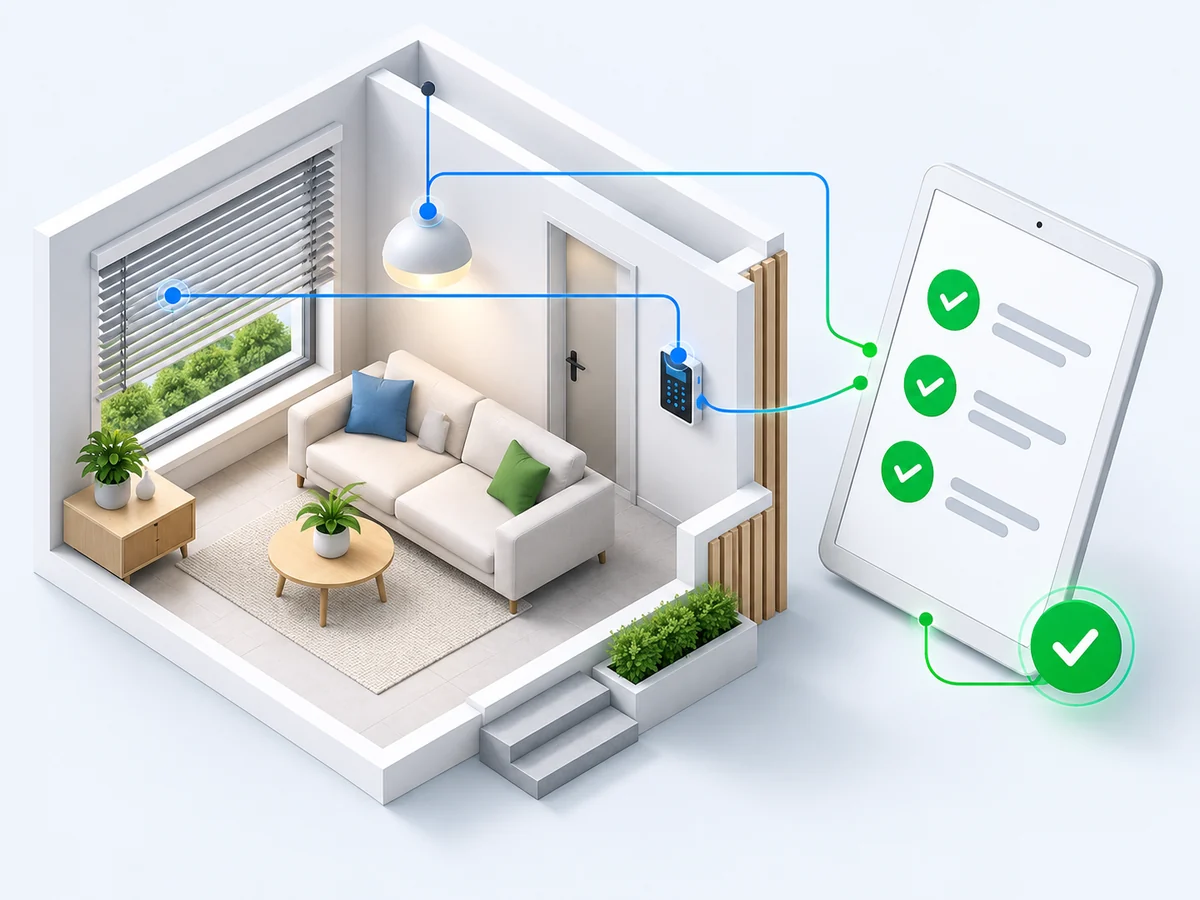
Planned room with a keypad and a test tablet displaying green approval symbols

06 / 08 · Quality assurance

Check every room. Document every handover.

Guided on-site checks help the contractor compare the installation with the plan. Deviations are documented, open issues resolved and sign-offs recorded.

Key features

  • Guided checks with the installer app
  • Documented deviations and test results
  • Traceable sign-offs and handover

Your benefits

  • A clear record of the installation as handed over
  • Fewer follow-up questions and better collaboration
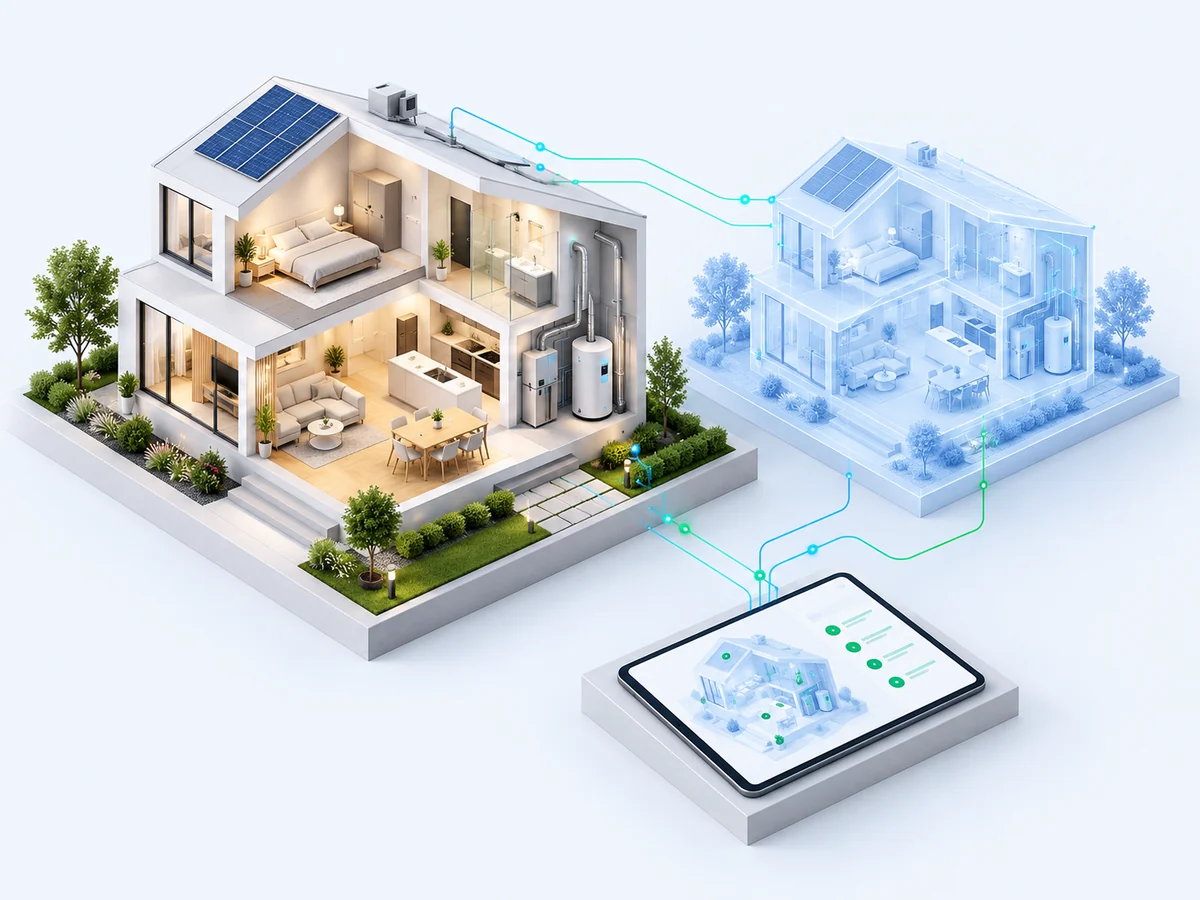
Completed smart home beside its digital twin and a status display

07 / 08 · Operation

A data foundation that evolves with the building.

The digital twin retains the relevant building configuration. It provides a basis for planning changes and applying them precisely in ETS, including after initial commissioning.

Key features

  • Lasting, structured building configuration
  • A foundation for maintenance and support
  • Extensions and additional IoT use cases

Your benefits

  • Simplify maintenance, device replacement and extensions
  • Preserve knowledge about the installation
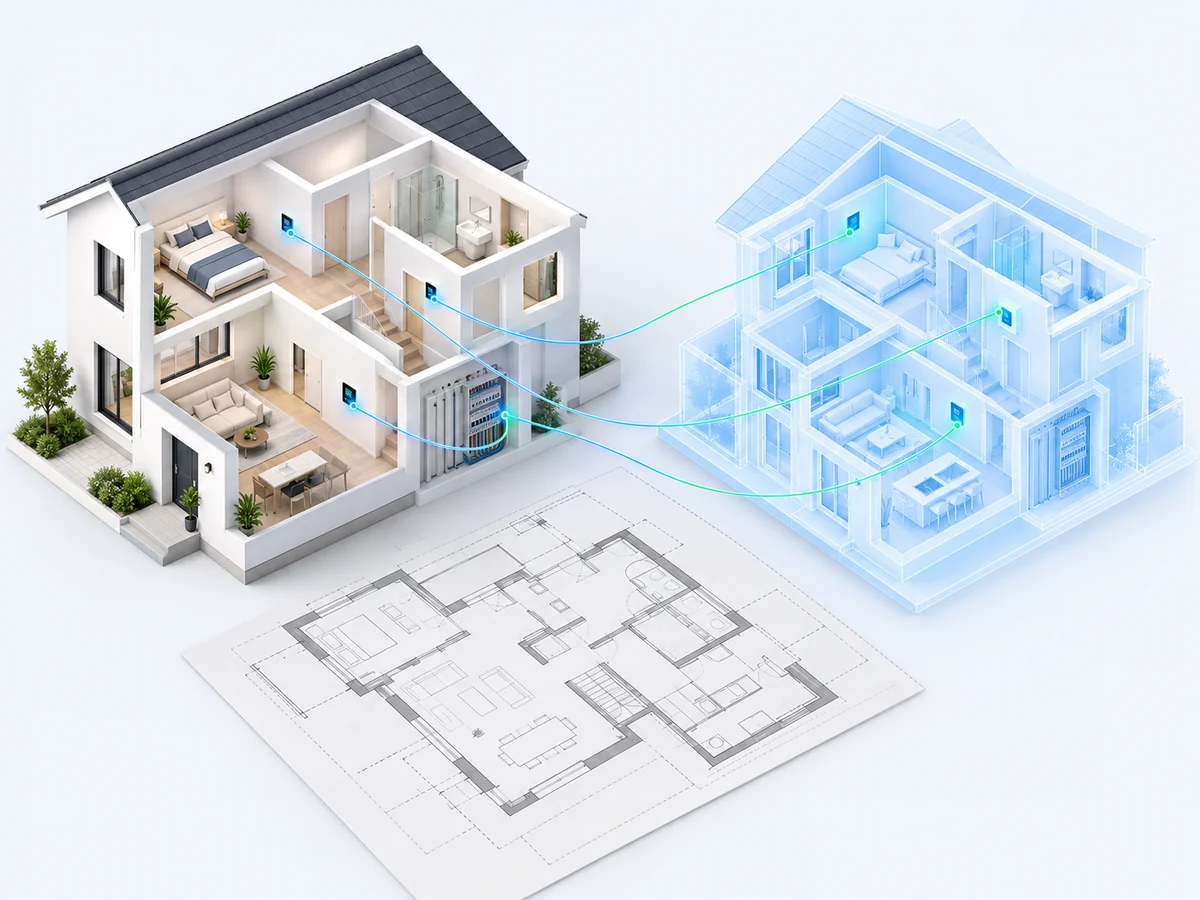
Existing house and distribution board whose data are assembled into a digital model

08 / 08 · Recovery

An additional starting point for existing installations

Create a structured starting point for existing installations.

Available device, address and function data are captured for existing KNX installations. This creates a basis for further planning, even when the original ETS file is missing. The recoverable scope is assessed for each project.

Key features

  • Capture available installation data
  • Map devices, addresses and functions
  • Document the installation in a digital model

Your benefits

  • Make unfamiliar installations easier to understand
  • Prepare maintenance and modernisation on a sound basis